
Quick answer: If you suspect a WooCommerce customer data breach, protect customers, preserve evidence and establish the facts before making broad changes. Restrict ongoing unauthorized access, involve the store owner and incident-response team, secure affected accounts, and determine what information may have been exposed. Contact relevant hosting and payment providers, document the timeline, and seek qualified legal guidance promptly about notification duties. Do not assume every customer record was stolen, and do not announce that no data was affected until the evidence supports that conclusion.
A data breach is different from finding a vulnerable plugin or receiving a generic malware alert. A vulnerability creates a possibility of unauthorized access; a confirmed breach involves unauthorized access, disclosure, loss or another relevant compromise of information. The initial task is to distinguish confirmed facts from suspected exposure while preventing additional harm. This guide provides a practical response framework for store owners and agencies, not jurisdiction-specific legal advice.
What counts as a WooCommerce customer data breach?
WooCommerce stores may hold customer names, email addresses, phone numbers, shipping and billing addresses, order details, account information and metadata created by extensions. Payment card data handling depends on the gateway architecture. Many stores use payment providers that handle card information outside the WordPress database, but the merchant’s checkout and third-party scripts can still influence payment security. Never assume the database stores full card numbers or that it cannot expose any sensitive information without examining the actual integration.
A suspected breach may arise from an unauthorized administrator account, exposed database backup, vulnerable extension, compromised hosting credentials, public storage location or malicious checkout script. The same symptom can have different consequences. For example, a published security advisory does not prove that attackers accessed a specific store. An unusual login does not establish that customer records were exported. Investigation is needed to determine the actual scope.
The US Federal Trade Commission’s Data Breach Response guide recommends securing operations, assembling the right experts, preserving evidence, fixing vulnerabilities and assessing notifications. These principles are useful beyond the United States, although legal duties differ by location and business.
First hour: coordinate containment and preserve evidence
Identify an incident owner who can coordinate the technical, business and legal response. If an attacker appears to have active access, take appropriate containment measures with the hosting provider and security team. This may include restricting affected accounts, isolating compromised services or temporarily limiting a checkout function. Avoid uncontrolled changes that could destroy evidence or disrupt legitimate transactions unnecessarily.
Preserve relevant server logs, access records, security alerts, configuration history and backups according to an incident-response plan. Record the time the issue was discovered and the actions taken. If qualified forensic help is needed, involve it before wiping servers or restoring over potentially important evidence. The FTC explicitly cautions businesses not to destroy forensic evidence during remediation.
Use a clean administrative device and trusted communication channel. If credentials may have been exposed, coordinate revocation and rotation with the affected providers. Review access to WordPress, hosting, DNS, payment gateways, email and backup systems. Do not share secrets in public tickets or send raw customer databases to unapproved contractors.
Determine what information and systems may be affected
Map the store’s data flow. Identify where customer profiles, orders, forms, analytics, support messages, payment tokens, logs and backups are stored. Include relevant third-party processors and fulfillment services. Confirm which systems the suspected attacker could access and for how long, using evidence rather than assumptions.
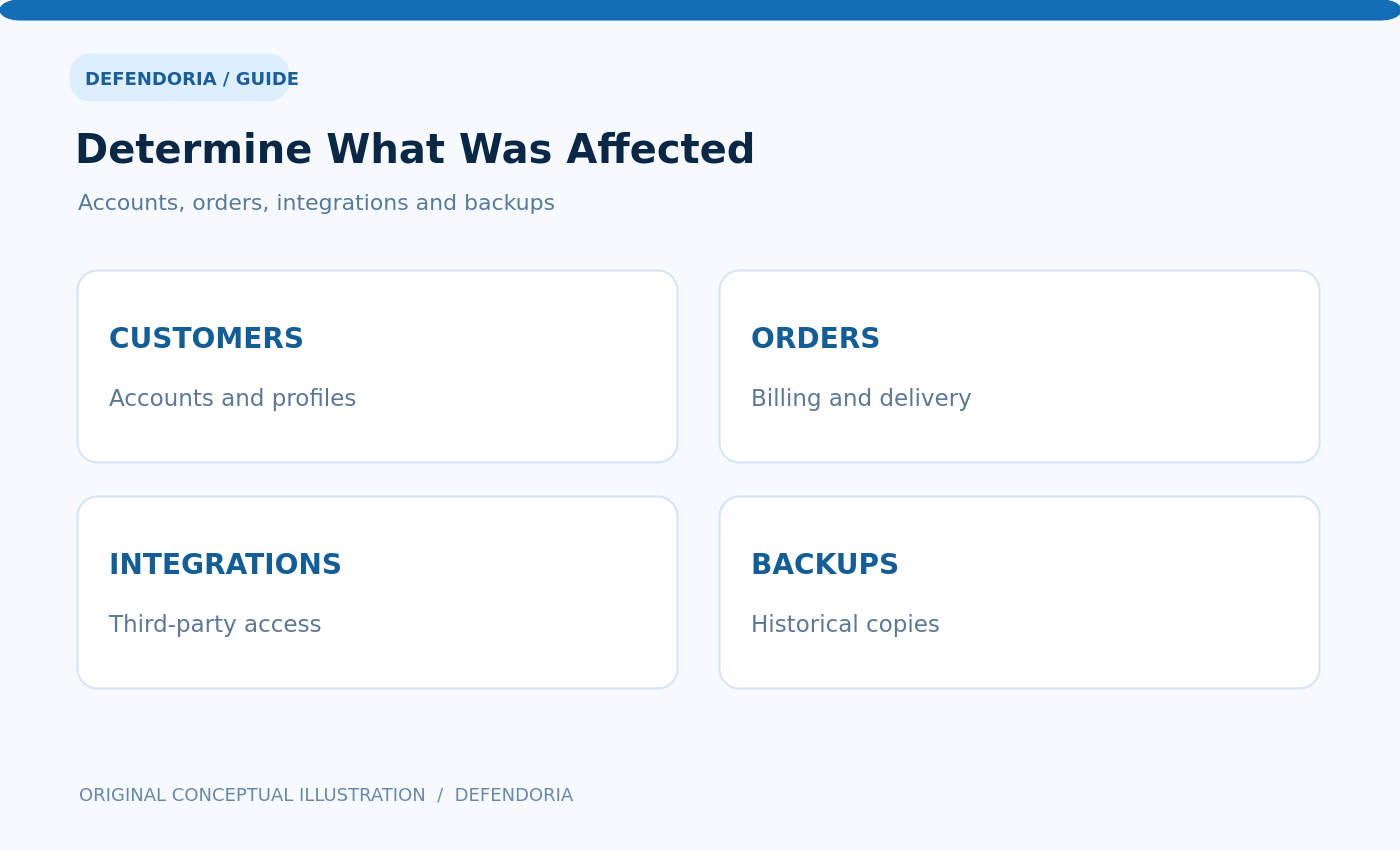
Separate confirmed access from possible access. A compromised administrator account may have broad permissions, but the existence of that account does not prove every customer record was downloaded. A database export in logs may be more direct evidence, yet it still needs interpretation. Preserve uncertainty in the incident record. Note which data categories, time periods and customer groups are known, likely or not yet determined.
Review the payment architecture carefully. If the store uses a hosted provider, consult that provider about what information passes through the merchant site. If checkout scripts may have been compromised, assess potential payment-data exposure with qualified responders. Our payment-skimming guide explains why malicious browser scripts may affect checkout even when orders continue to work.
Tell us about your website and the security concerns you want to address.
Talk to Defendoria ↗Review accounts, plugins, integrations and hosting access
Inspect administrator and service accounts for unexpected creation, role changes or suspicious login activity. Check recent WordPress, WooCommerce and extension changes, deployment logs, API credentials, scheduled tasks and server configuration. Compare modified components with trusted sources where appropriate. A compromise may persist through stolen credentials or a backdoor even after a visible payload is removed.
Check third-party services that receive customer information: email marketing, shipping, CRM, support and analytics integrations. Determine whether access tokens or webhooks were exposed and whether the vendor has its own incident or audit records. Coordinate with vendors before revoking critical integrations that may affect order fulfillment or customer support.
Use current vendor advisories to assess vulnerabilities. For example, WooCommerce published a December 22, 2025 advisory about a Store API weakness affecting certain versions. The advisory distinguished possible exposure from confirmed exploitation and described patched releases. It is a useful illustration of why a vulnerability announcement alone should not be described as proof of a data breach on a particular site.
Who should be involved in the response?
Even a small store needs clear roles. The business owner decides operational priorities and authorizes changes. Technical staff and security responders investigate and remediate. The hosting provider may help preserve logs and isolate infrastructure. The payment processor or gateway provider can assess payment-related concerns. Legal or privacy advisers determine applicable reporting and contractual duties. Customer support and communications teams need accurate, approved information.
Keep one secure incident record with dates, decisions, evidence locations and responsible people. Avoid fragmented conversations in which staff make contradictory statements to customers. Establish who can approve external notifications and who will handle follow-up questions. If an agency manages the site, clarify the merchant’s ownership and the agency’s contractual responsibilities immediately.
Do not rely on a generic support chatbot or an unverified email claiming to be from WooCommerce. WooCommerce issued a phishing advisory in April 2025 about fake security messages aimed at store owners. Verify communications through official provider channels before installing patches or sharing credentials.
Notification requirements depend on jurisdiction and incident facts
There is no single worldwide deadline or universal rule for every WooCommerce breach. Obligations can depend on the location of affected individuals, the merchant’s legal establishment, the type of information, the likelihood of harm, contracts and sector-specific rules. Seek qualified advice promptly; do not wait until every forensic detail is known before assessing reporting deadlines.
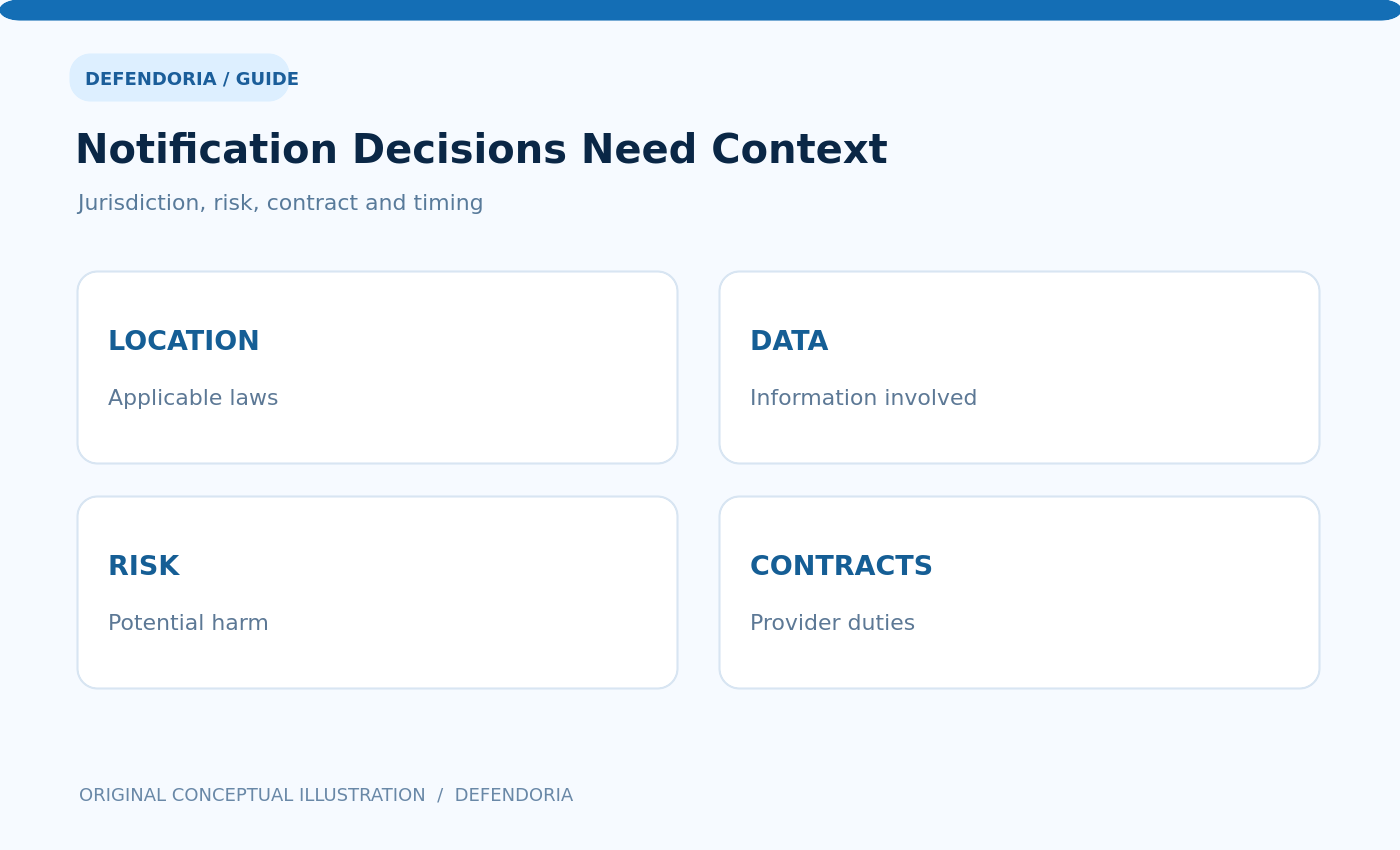
For example, the UK’s Information Commissioner’s Office explains that certain reportable personal data breaches must be notified without undue delay and, where required, within 72 hours of awareness. Not every incident meets the reporting threshold. Its 72-hour response guidance advises organizations to start documenting immediately. This is an example of a jurisdiction-specific rule, not a deadline that automatically applies to every store worldwide.
In the United States, the FTC’s breach response guide notes that state and other laws may impose different notification requirements. A store may also have obligations to payment brands, acquirers, insurers or business customers. Review relevant contracts and obtain advice rather than using a generic notification template without checking the facts.
What to tell customers without creating more risk
Communicate verified facts in plain language: what happened, which information is known to be affected, what the business has done, what customers should consider doing, and where they can obtain legitimate updates. Clearly distinguish confirmed findings from matters still under investigation. Do not state that no card data was exposed unless the evidence and payment architecture support that claim.
Use official channels that customers can verify. Avoid including links to unfamiliar login or payment pages in breach messages, because attackers may exploit the incident with phishing campaigns. Give support staff approved guidance and a method for escalating new evidence. Do not request passwords, full card numbers or security codes from customers.
Some customers may need to contact their bank, change account passwords or watch for suspicious activity depending on the information involved. Tailor recommendations to the actual data and applicable guidance. A notice should not unnecessarily alarm people with claims unsupported by the investigation, but it should not hide information they need to protect themselves.
How to remediate the technical cause
Once evidence has been preserved and the scope understood sufficiently to act, remove unauthorized access and malicious components. Patch affected software, rotate compromised credentials, review API keys and correct hosting or storage misconfigurations. Replace untrusted code with verified releases where appropriate. Check whether backups or staging environments contain the same weakness.
Do not assume that reinstalling WordPress alone resolves a compromise. Attackers may have changed database entries, created users, modified server rules or accessed third-party services. Verify the root cause when possible, document what remains uncertain and test that legitimate business functions still work. Our WordPress malware removal guide explains the importance of complete, evidence-based cleanup.
Restore checkout and account access carefully. Reconcile payment transactions with the provider and test using approved non-production payment methods. Confirm that forms, order status, shipping integrations and customer notifications work. Continue monitoring for recurrence and unexpected access.
Recovery is more than bringing the website back online
A website may load normally while unresolved risks remain. Before declaring recovery, confirm that unauthorized accounts and scripts have been addressed, credentials have been secured, affected integrations have been reviewed, and backup restoration has been validated. Recheck monitoring and incident alert routing. Review whether customer support and legal follow-up are complete.
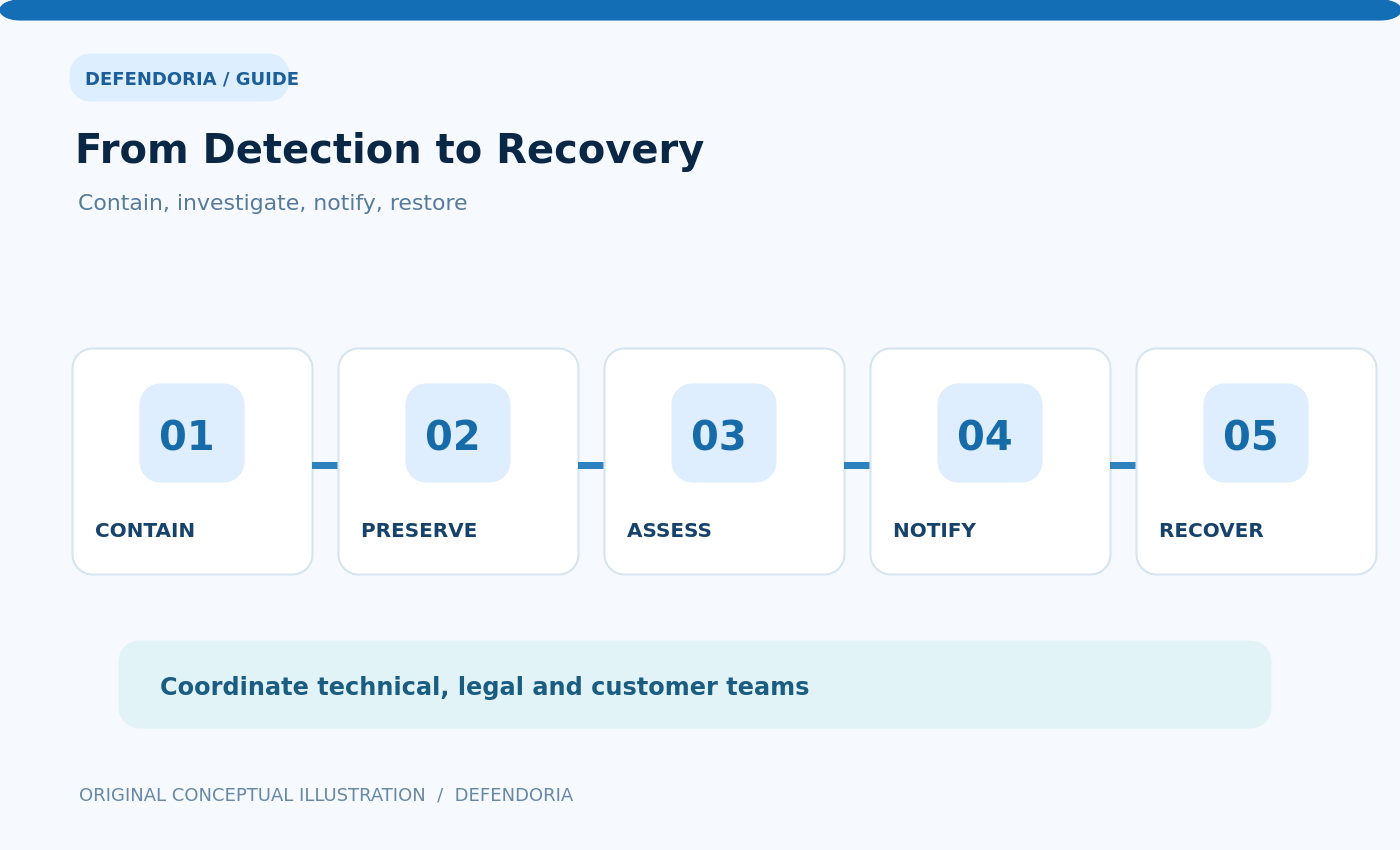
Document lessons learned: which control failed, what slowed detection, which permissions were excessive, how backups performed and whether vendor responsibilities were clear. Use those findings to improve security practices. A completed incident report should separate facts, reasonable conclusions and unknowns. Avoid inventing a precise number of affected records or a breach duration when evidence is insufficient.
Continue watching for suspicious account activity, new vulnerabilities and customer reports. A breach can have downstream effects after the technical incident is contained, including fraudulent account use or phishing attempts. Keep the appropriate contact channel available for affected individuals and business partners.
How to prevent another customer data incident
Reduce unnecessary customer data collection and retention. Use appropriate access controls, multifactor authentication and unique credentials for staff and vendors. Keep WordPress, WooCommerce and extensions updated. Protect database exports and backups. Review third-party integrations and payment-page scripts. Maintain an incident-response plan that identifies owners, providers and reporting contacts.
Perform authorized security assessments after major changes and on a risk-based schedule. Verify that backup restoration works, not just that backups are created. Monitor for unauthorized administrator accounts, unexpected file changes and sensitive data exposure. Our website security audit service provides information about scoped reviews.
For agencies managing multiple WooCommerce clients, keep customer data and credentials separated. A shared admin account or unrestricted deployment token can increase cross-client exposure. Our agency audit guide explains how to standardize controls without mixing client evidence.
Common mistakes after a suspected breach
Deleting logs immediately: Evidence may be needed to determine what happened. Restoring an unverified backup: The backup may contain the same compromise. Assuming a vulnerability advisory proves data theft: Exposure and exploitation are separate questions. Claiming the site is safe because it loads: Hidden access or data risks may remain.
Waiting for complete certainty before considering notifications: Some laws and contracts have time-sensitive requirements. Publishing unsupported numbers: Incorrect claims can mislead customers. Ignoring third-party systems: Integrations may hold copies of customer data. Sending raw databases to unapproved vendors: Investigation itself must protect sensitive information.
Frequently asked questions
Does a hacked WooCommerce website always mean customer data was stolen?
No. A compromise can affect different components and data. Investigate the actual access, affected systems and evidence before concluding what information was exposed. Do not assume either that all data was stolen or that no data was affected.
Should I shut down the entire store immediately?
Containment depends on the threat and business impact. If customers face active exposure, temporarily restricting affected functions may be appropriate. Coordinate with the incident owner and qualified responders, preserving evidence and considering payment and order obligations.
Do I have to notify customers within 72 hours?
Not as a universal rule. Some jurisdictions, including the UK for certain reportable personal data breaches, have time-sensitive requirements. Other laws and contracts differ. Seek qualified legal advice promptly based on the store’s location, customers and incident facts.
Does WooCommerce store customers’ full credit card numbers?
It depends on the payment architecture, but many modern integrations handle card data through payment providers rather than storing full card details in WordPress. Verify the specific gateway and implementation. Do not assume payment information was or was not exposed without investigation.
Can I fix a breach by reinstalling WooCommerce?
Not necessarily. Unauthorized access may persist through hosting credentials, database content, plugins, scheduled tasks or third-party integrations. A complete response identifies and addresses the underlying cause, then verifies the result.
What evidence should I preserve?
Relevant access logs, server and application alerts, account changes, deployment history, suspicious files, configuration records and incident timelines may be important. Preserve them securely under a documented process and consult qualified forensic responders for serious incidents.
Should I tell customers that their data is safe while investigating?
Do not make definitive assurances without evidence. Communicate what is known, what remains under investigation and what protective steps are being taken. Provide a legitimate contact channel and follow applicable notification guidance.
When can I consider the incident resolved?
After appropriate containment, investigation, remediation, verification and required communications are completed, with remaining risks documented. Restoring the homepage alone is not sufficient. Continue monitoring for recurrence and downstream misuse.
Next step: coordinate a responsible response
If you suspect customer data exposure, involve the authorized business owner, hosting and payment providers, incident responders and legal advisers promptly. Defendoria’s WooCommerce security services and malware removal information describe areas for an authorized technical assessment. You can contact Defendoria without sending customer records or payment card data. This article is educational and does not replace legal advice or a qualified incident investigation.
Primary references:FTC Data Breach Response Guide; ICO personal data breach response; WooCommerce security best practices; WooCommerce Store API advisory, December 2025; WooCommerce phishing advisory, April 2025; WordPress Hardening.
This is general educational guidance, not a security assessment of a specific website. Obtain authorization before any technical testing.